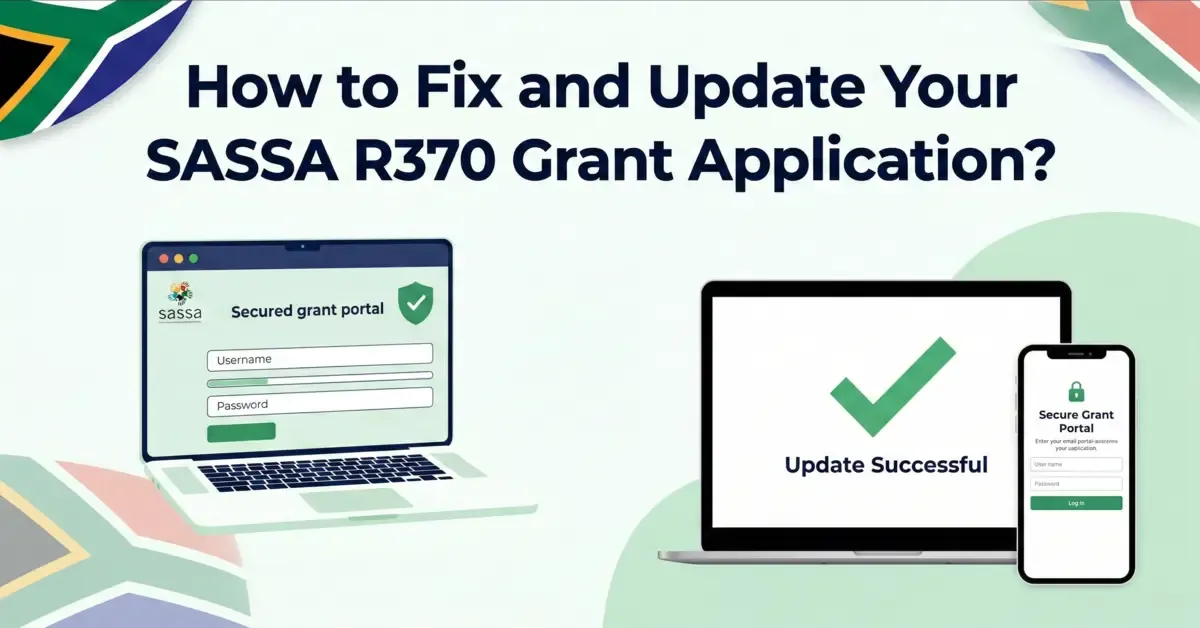
If you have already applied for the SASSA SRD grant but entered incorrect details like your name, contact number, address or your bank details no need to stress. It's actually easy to fix and update your grant application even after you have submitted it. just make sure your details are accurate and up to date so your application can be approved without delay.
In case your grant application has errors or outdated information, it may result in delays or missed payments.
The good news is you can easily update your grant application online. No need to stand in a long queue, visit the office or wait for hours. Just a simple click, and the changes will update instantly.
In this guide, we will walk through step by step guidelines on how to fix and update any mistakes in your application. Fix them as soon as possible to avoid delays and receive your grant smoothly.
How Can I Update My SASSA Grant Application?
Here is a step by step guideline to fix and update your SASSA grant application.
SASSA Official Website
- Visit the SASSA official website.
- Then go to the official SASSA online service portal (services.sassa.gov.za)
Log In To Your Account
- At the top right of the screen, tap on the login button.
- Enter your South African ID and the phone number you used while applying.
- SASSA will send OTP to your registered phone number.
- Input the OTP to access your account dashboard.
- After verification, you will be able to make changes.
Update Your Personal Information
You will see the title "Manage my Personal Information". Here, you can update your details like:
- Your name: Correct it if it was spelt incorrectly during the application.
- Mobile number: Update your phone number to stay updated about important updates and SASSA messages.
- Current Address: Change and correct your residential address if you moved on or entered incorrectly.
- Banking details: Update your bank details to get smooth payment.
- Other personal details: Edit any other details and information if needed.
Review Required Documents
Review the list of required documents if you want to update or attach supporting documents like ID, proof of address or any bank statement. Make sure documents are clear and easy to read.
Here is a quick guide:
- Upload the correct documents using the upload button.
- Once all documents are uploaded, click on the submit button.
- SASSA may send an OTP to confirm your changes.
- Once submitted, SASSA will process your changes. It may take a few days, so wait patiently.
Make sure everything is accurate and up to date; after submitting, you will see a message saying your updates have been successfully sent.
How Long Does It Take For The SASSA Application Updates To Reflect In The System?
Usually it takes 7-14 working days for the update to be made and reflected in the SASSA system. If it takes longer than two weeks, you can contact the nearest SASSA office and reach out to the SASSA team. They will guide you with further instruction and assist you in resolving any delays.
Necessary Precautions To Take In The Future
Always keep the following points in mind before submitting your application.
- Always double-check all your details before submitting to avoid errors and delays.
- Ensure your phone number is always updated so you receive any updates or OTP from SASSA.
- Verify your banking information is accurate and correct to prevent any payment delays.
- Don't trust third parties or unauthorized websites to make changes on your behalf. Always handle your application yourself or through official SASSA channels.
- Check your application status regularly to catch any problem early and fix it as soon as possible.
- Always save copies of documents you upload and keep a record of any confirmation message from SASSA for future reference.
Share this guide with someone who needs it.
💬 Comments (0)
No comments yet. Be the first to share your thoughts.
Leave a Comment